
New Source
v5
Gateway URL: https://gateway.vectorsurv.org/v5/application/source
Source Configuration
Sources allow you to bookmark locations that are regularly treated, saving time by eliminating the need to re-enter geographic information for every new application.
- Source Code: A unique 10-digit numeric identifier for the source.
- Codes must be unique within your agency.
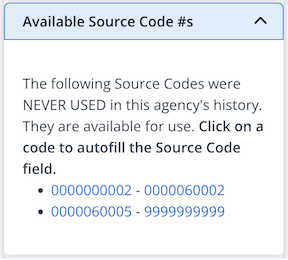
- To help you choose, a list of Available Source Codes is provided on the right-hand side of the screen.
- Source Name: (Recommended) A descriptive name to help identify the location easily. Both the Source Code and Source Name are searchable and will autocomplete on data entry pages.
- Address: The specific address or nearest intersection to the source.
- Waters of the US: Check this box if the source is classified as a “Waters of the US” location.
- Affected Waters: This field appears only when Waters of the US is selected. Use it to record the names of any affected water bodies.
- Comments: Any additional notes or specific instructions to be recorded with this source.
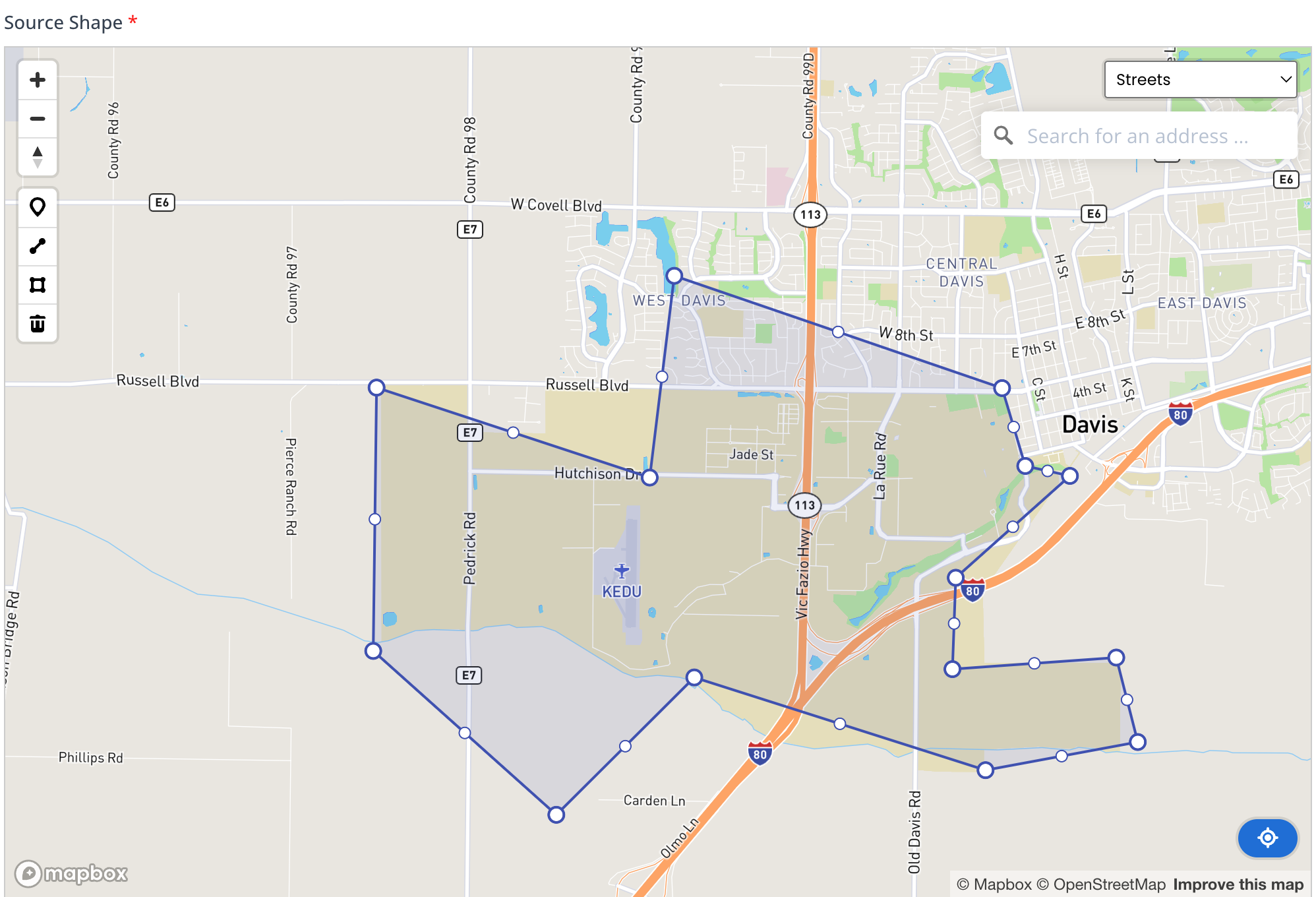
- Source Shape: Define the spatial location of the source using the map interface:
- Geocoding: Use the address geolocation field on the right side of the map to automatically plot the point.
- Drawing Tools: Manually create a point, polygon, or line directly on the map. Double-click on an existing polygon or line to enter Editing Mode and adjust the shape.
- Map Layers: Toggle between Street or Satellite views to assist with precise placement.
- Recenter: Click the blue Recenter icon
 in the lower right-hand corner of the map to pan the view back to the defined source.
Note: Editing an existing source may affect historical records.